PuzzleByte mini crossword tutorial
How to solve PuzzleByte mini crosswords
Pick a clue, fill its squares, and use crossing letters to finish the small grid.
- Answers run Across and Down
- Crossing answers share letters
- A full grid checks itself automatically
Three simple steps
Each clue belongs to a row or column of open squares.
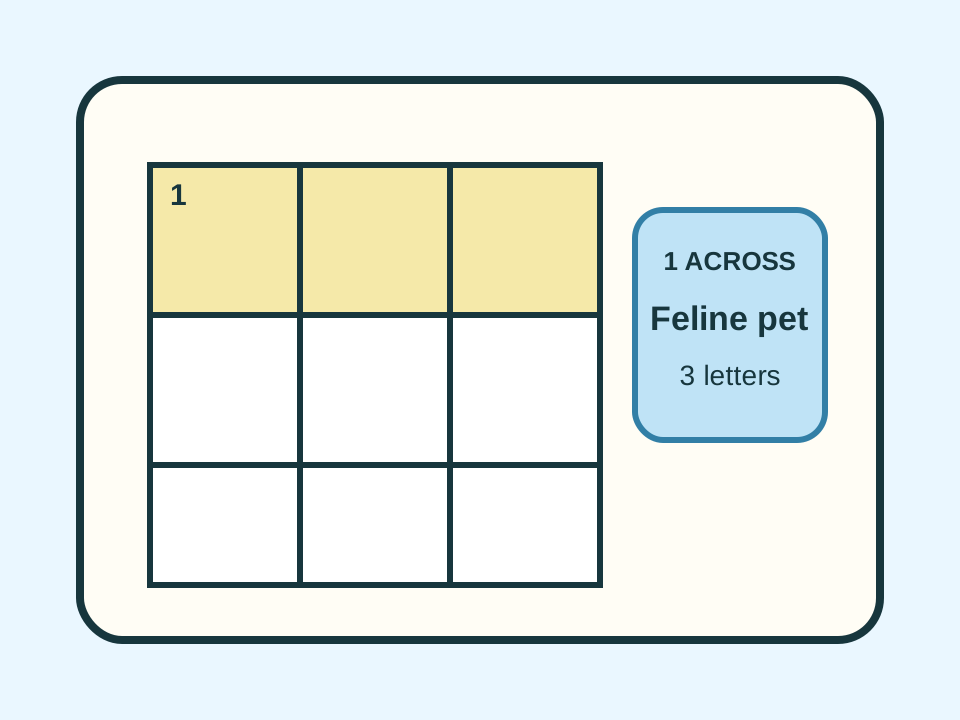
Tap a clue or square to choose an answer.
1 ACROSS · FELINE PET · 3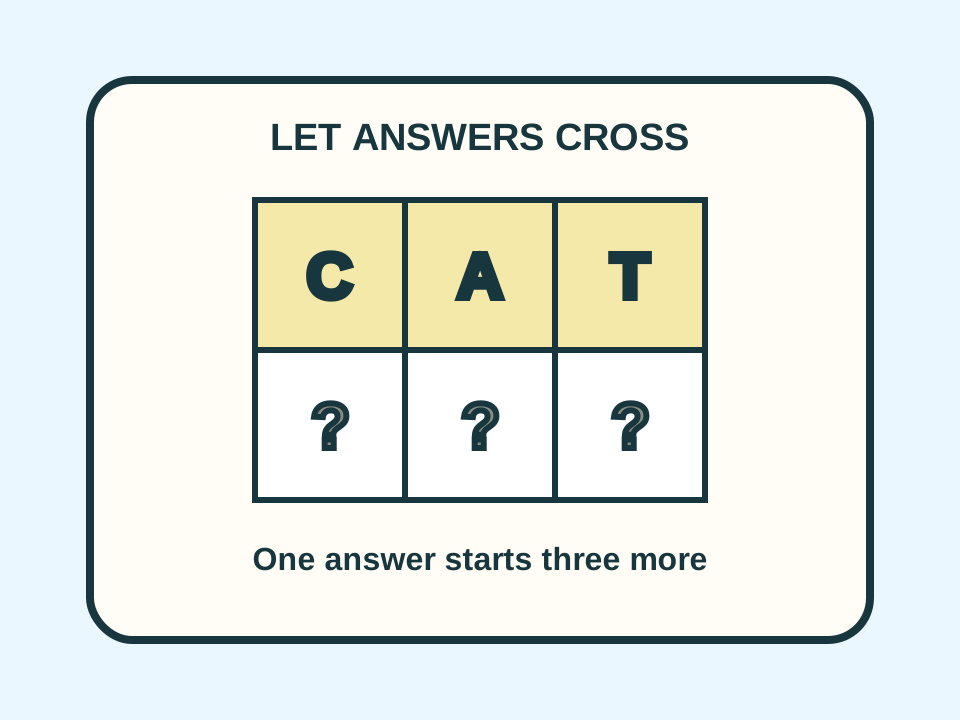
Type one letter per square and use crossings.
CROSSING LETTERS HELP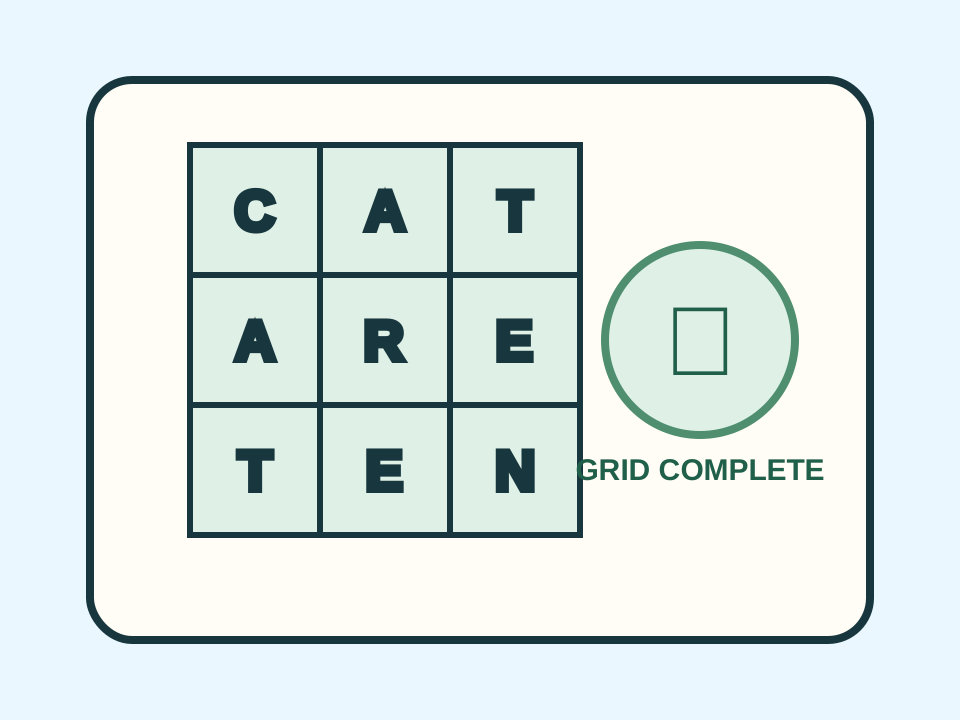
Fill every open square. The grid checks itself.
FIX ANY SQUARES THAT ARE WRONGHow to solve the grid
The selected clue and its squares highlight together.
- Start with a clue you know.
- Type one letter in each highlighted square.
- Use shared letters to help with crossing answers.
- Tap a crossing square again to switch Across or Down.
- Fill every open square to check the grid.
Use crossing letters
A confident answer gives you starting letters for other clues. If two answers disagree at a crossing, at least one needs another look.
When the grid is full
Mini crosswords do not use hearts. The grid checks itself when every open square is filled. If something is wrong, keep editing.
How we make mini crosswords
We fit short answers together so they share letters, add black squares where words stop, and write one clue for every Across and Down answer.
Common questions
Questions about puzzlebyte mini crossword tutorial
What are the black squares?
Black squares are blockers. They separate answers and cannot be filled.
What if the completed grid is wrong?
You can keep editing. Use the crossing clues to find the square that does not fit.
Can I solve on a phone?
Yes. The mini crossword supports touch controls and an on-screen keyboard.